
api
owlette API overview
the owlette public API lets you automate fleet operations from scripts, CI, internal tools, and SDKs. use it to inspect sites and machines, queue commands, manage deployments, publish roost content, run hoot diagnostics, manage webhooks, and read logs.
The dashboard and API operate on the same underlying resources. Use the dashboard for exploration and one-off admin work; use the API when the workflow should be repeatable, audited, or integrated into another system.
base URLs
| environment | base URL |
|---|---|
| production | https://owlette.app |
| developer preview | https://dev.owlette.app |
| local development | http://localhost:3000 |
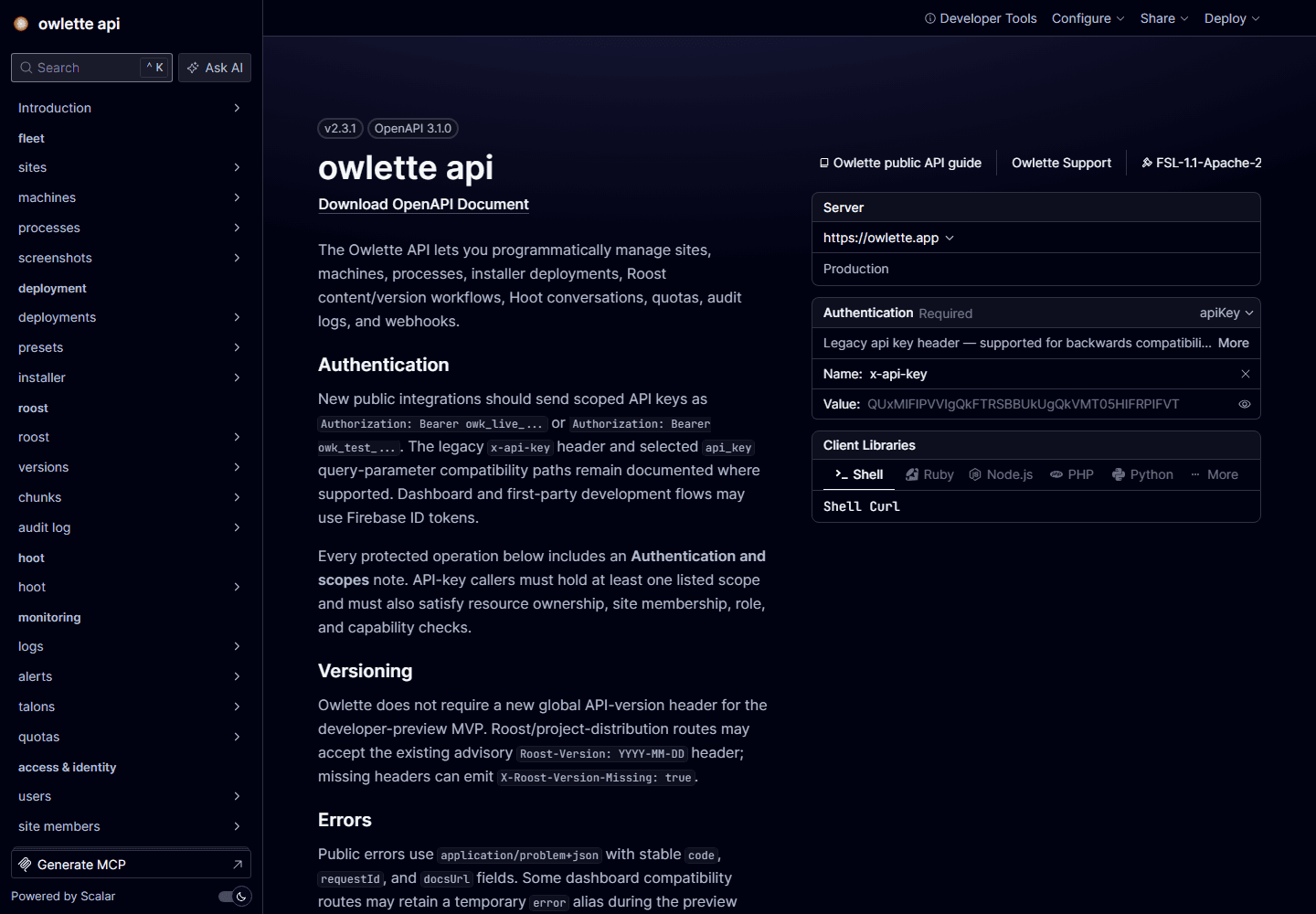
Public API paths are rooted at /api. The rendered endpoint reference is available at /docs/api, with raw OpenAPI JSON at /api/openapi.
core resources
| resource | purpose |
|---|---|
| sites | tenant boundary for machines, quotas, logs, webhooks, deployments, and roost content |
| machines | Windows agents registered to a site |
| commands | async work queued to a machine, such as screenshots or process actions |
| deployments | classic installer fan-out records and per-target status |
| roosts | content-addressed project bundles, versions, chunks, rollouts, and rollback |
| hoot | site and machine diagnostics over /api/hoot/conversations |
| webhooks | outbound event subscriptions and delivery history |
| API keys | scoped credentials for automation |
shared conventions
- Authentication uses scoped
owk_live_*andowk_test_*API keys inAuthorization: Bearer ...; dashboard and setup flows may use Firebase ID tokens or sessions. See authentication. - Errors: Most public errors use
application/problem+json; routes using the shared problem helper include stablecode,docsUrl, andrequestIdfields, but some compatibility routes still return a smaller problem body. See errors. - Pagination uses
page_size,page_token, andnext_page_token, with documented compatibility aliases on older routes. See pagination. - Idempotency uses
Idempotency-Keyfor safe retries of mutating requests. See idempotency. - Rate limits use
RateLimit-*,Retry-After, andRoost-Rate-Limited-Reasonheaders where the active limiter can report them. See rate limits.
developer path
- Start with the quickstart: create a key, verify auth, list inventory, queue a safe machine command, and poll it.
- Read the shared convention pages: authentication, pagination, idempotency, errors, and rate limits.
- Use the interactive reference for operation-level scopes, parameters, required idempotency headers, and response shapes.
- Check the SDK/CLI distribution gate, then use the SDK docs for Node and Python when you want typed clients.
- Move to the resource guide you need: chunks, versions, hoot, or webhooks.